※This article contains affiliate links.
As an aquarist captivated by the charm of plecos, I always pay close attention to environmental management within my aquarium. Water temperature, in particular, is a crucial factor influencing their health. For me, maintaining water temperature in winter is a given, but heater malfunctions or runaway heaters during summer or seasonal changes have always been a constant source of worry.
An Automated System to Shut Down Heaters at 32°C
When keeping precious plecos, a runaway heater is a truly terrifying scenario. Should a heater malfunction and cause the water temperature to rise abnormally, it could become a life-threatening situation for them. Especially, when the water temperature exceeds 30°C, it begins to enter a dangerous zone for many plecos, and 32°C can certainly be considered an emergency.
That’s why I devised an emergency shutdown system for aquarium heaters using the SwitchBot Bot. This system works by having the SwitchBot Bot physically turn off the heater’s power when the water temperature reaches a set dangerous level (32°C in my case).
The reason this system is necessary is that many commercially available smart plugs are often not recommended for use with high-wattage devices like aquarium heaters or devices with inductive loads. Due to their structure, heaters can draw large instantaneous currents, and common smart plugs risk malfunction or, in the worst case, fire. Therefore, the SwitchBot Bot, which physically presses a switch, becomes a safe and reliable solution. I plan to explain in more detail why smart plugs cannot be used with aquarium heaters in another article.
SwitchBot Bot Unboxing Review
Now, let’s begin with an unboxing review of the ‘SwitchBot Bot (Finger Robot),’ which forms the core of this innovative system. The outer box features a simple design typical of SwitchBot products, with a somewhat charming illustration that perfectly suits its nickname, ‘Finger Robot.’ The back of the package showcases various use cases with photos, raising expectations for its potential to smarten up physical switches throughout the house with just one device.
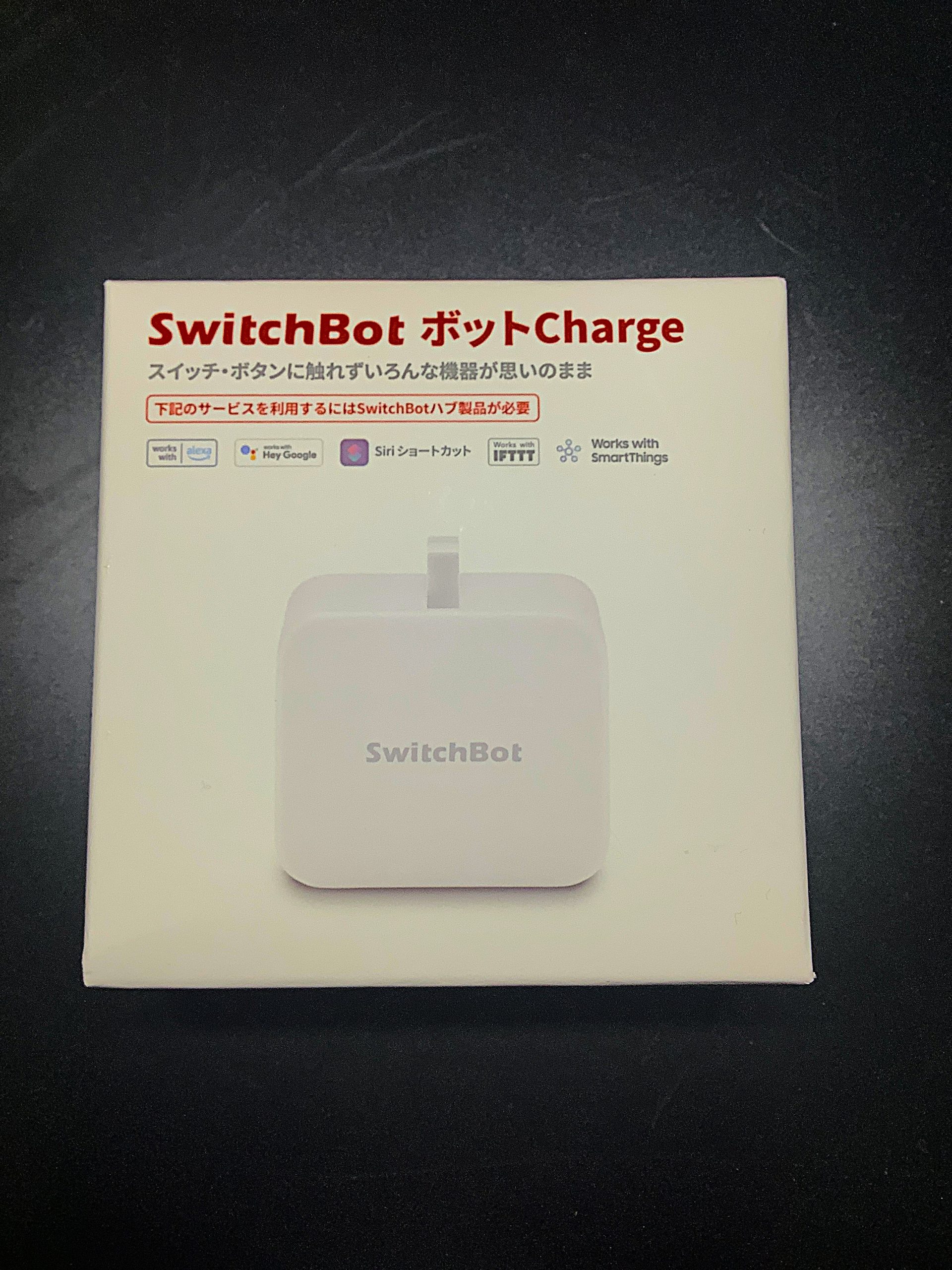
The outer box of the SwitchBot Bot (front). A small device also known as the Finger Robot.
Upon opening the box, the first thing I noticed was its compactness. It fits perfectly in the palm of my hand, giving the impression that it could be installed almost anywhere. The main unit has a matte finish, feeling solid and not cheap. In the center, there’s a retractable arm designed to press switches, and just imagining its mechanical movement is exciting.
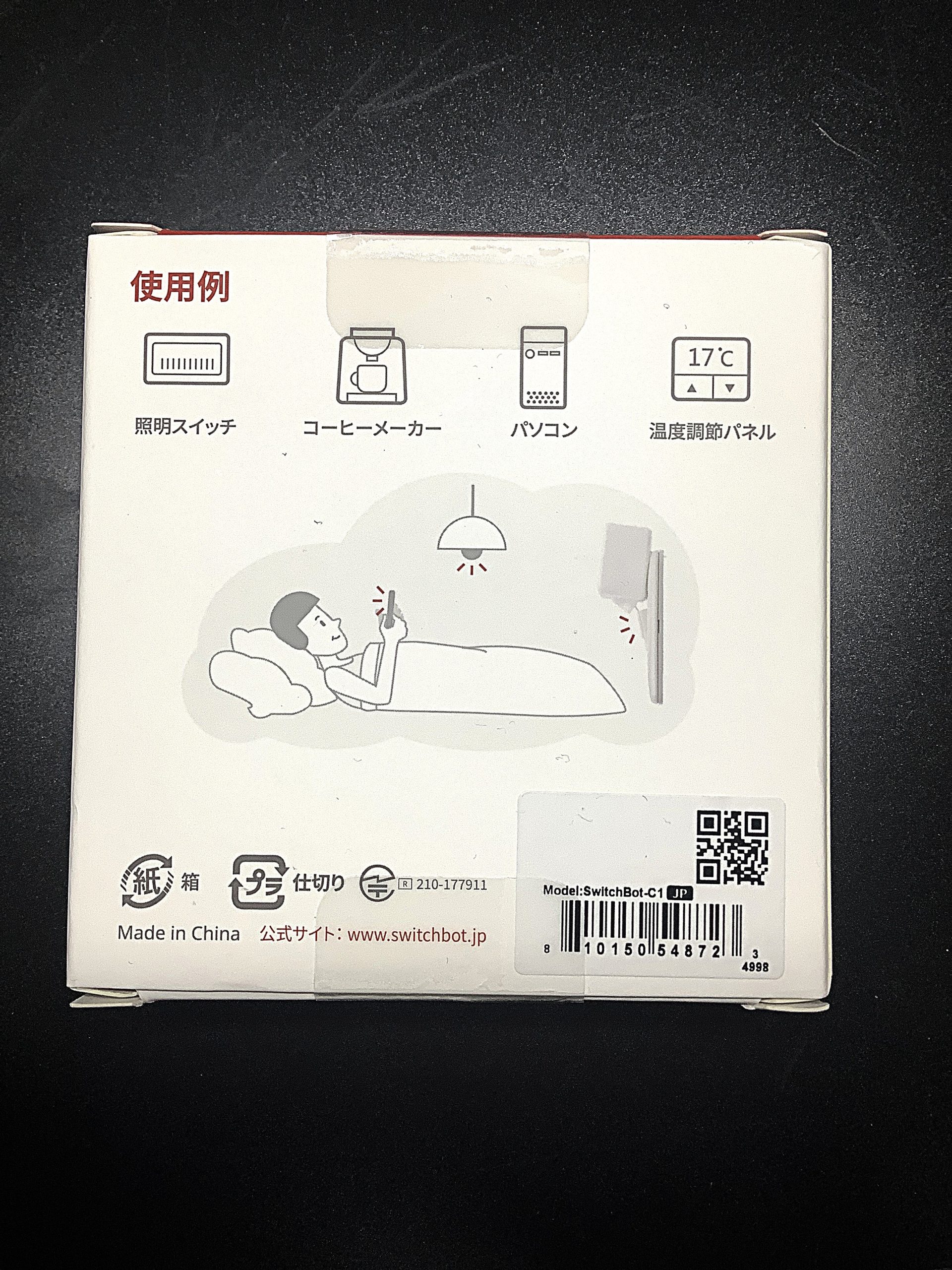
Back of the outer box. Specifications and compatible environments are listed.
My first impression was a mix of anticipation and slight apprehension: ‘Can such a small device really reliably press a physical switch?’ However, considering the proven reliability of SwitchBot products, I felt confident it would meet my expectations.
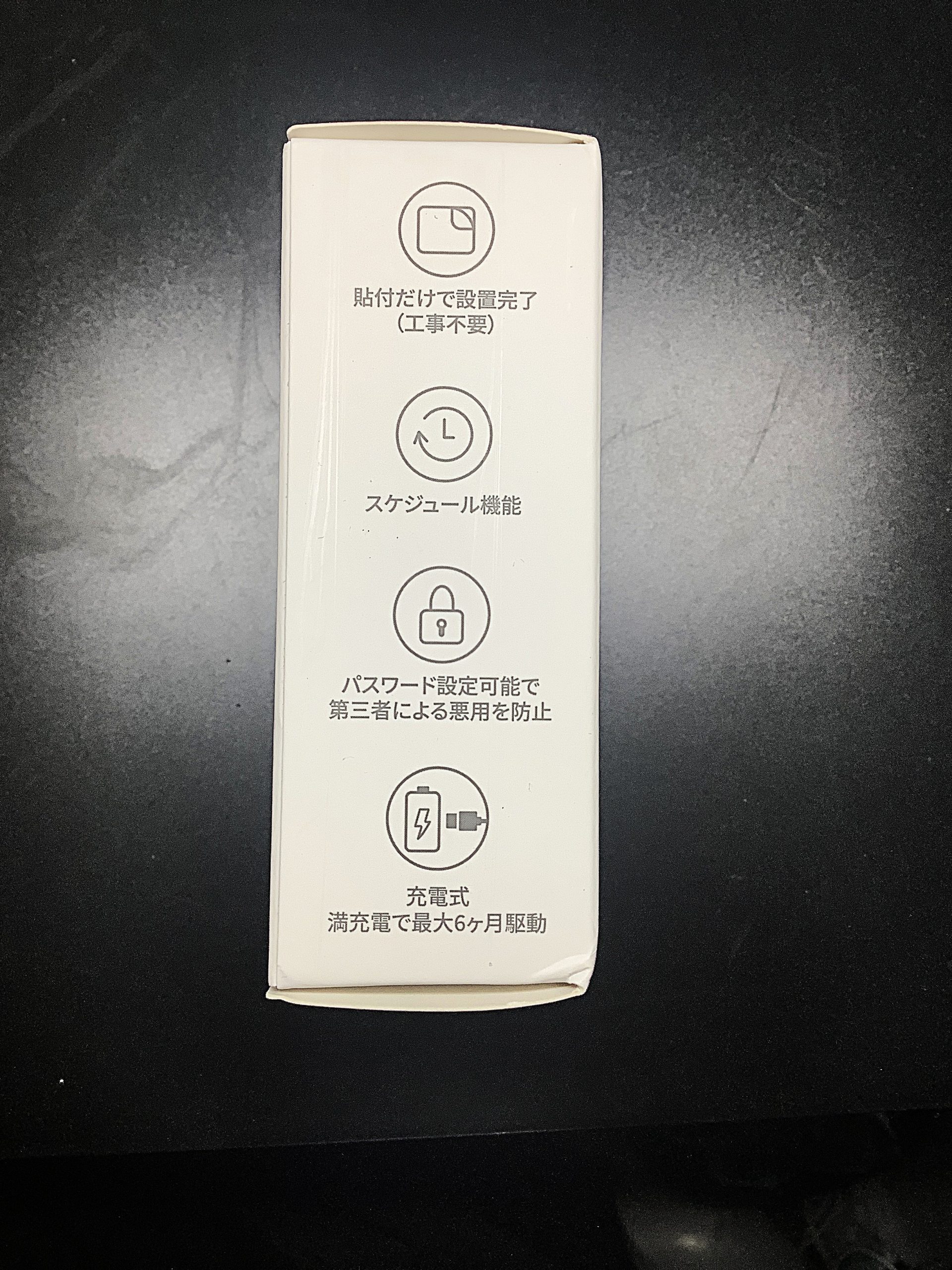
Side of the outer box. Shows its compact size.
Package Contents and Device Overview
Let’s check the package contents. The box contained the following:
- SwitchBot Bot main unit
- Replacement double-sided tape (spare)
- Arm attachment (used for pulling ON/OFF switches)
- User manual
I purchased the rechargeable type. It arrived fully charged, so I could start using it immediately. I also appreciate that it’s rechargeable, which means no ongoing battery costs.
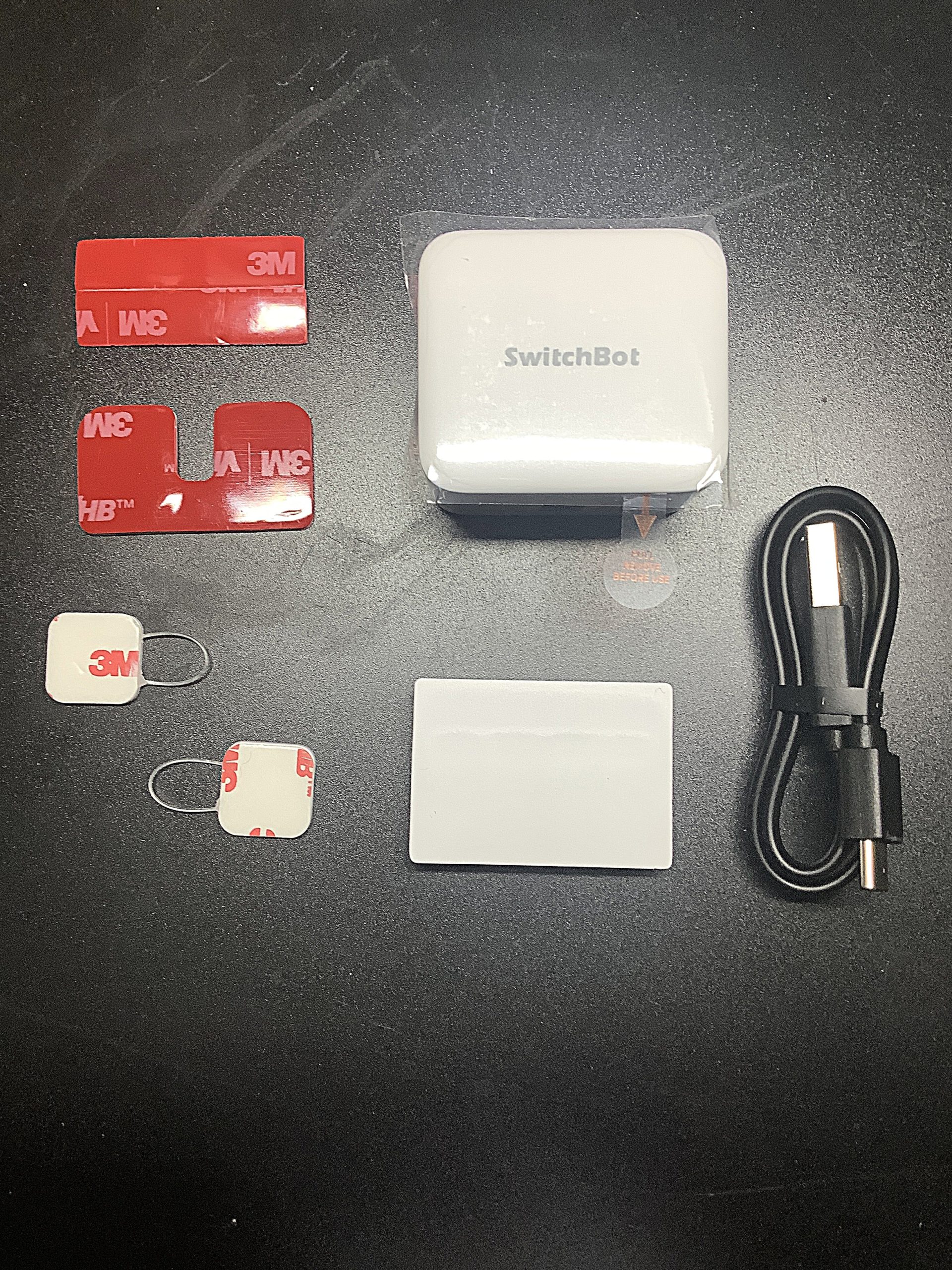
Package contents. Includes the main unit, double-sided tape, USB cable, etc.
The main unit is very simple, with strong double-sided tape affixed to its back. This tape is used to secure it next to the target switch. The arm is normally retracted and extends with a ‘click’ sound to press the switch during operation. This physical action is precisely why it’s called a ‘Finger Robot’.
Attaching to an Extension Cord
Now, it’s time for the crucial installation process to make the SwitchBot Bot function as an emergency shutdown system for the aquarium heater. In my case, the aquarium heater is connected to an extension cord with an on/off switch. By having the Bot press this switch, the heater’s power is physically cut off.
The installation steps are as follows:
- First, ensure that the extension cord’s switch is in the ‘ON’ position. This is so the Bot can be set to press ‘OFF’.
- Peel off the protective sheet from the double-sided tape on the back of the SwitchBot Bot.
- Adjust the position so that the Bot’s arm is directly above the ‘OFF’ switch of the extension cord, then firmly attach it. It’s recommended to manually test a few times to ensure the arm can reliably press the switch.
- Once attached, press firmly for a few seconds to secure the Bot in place and prevent it from shifting.
This process is very simple and requires no special tools. It was completed in just a few minutes. With this, the hardware setup is complete.
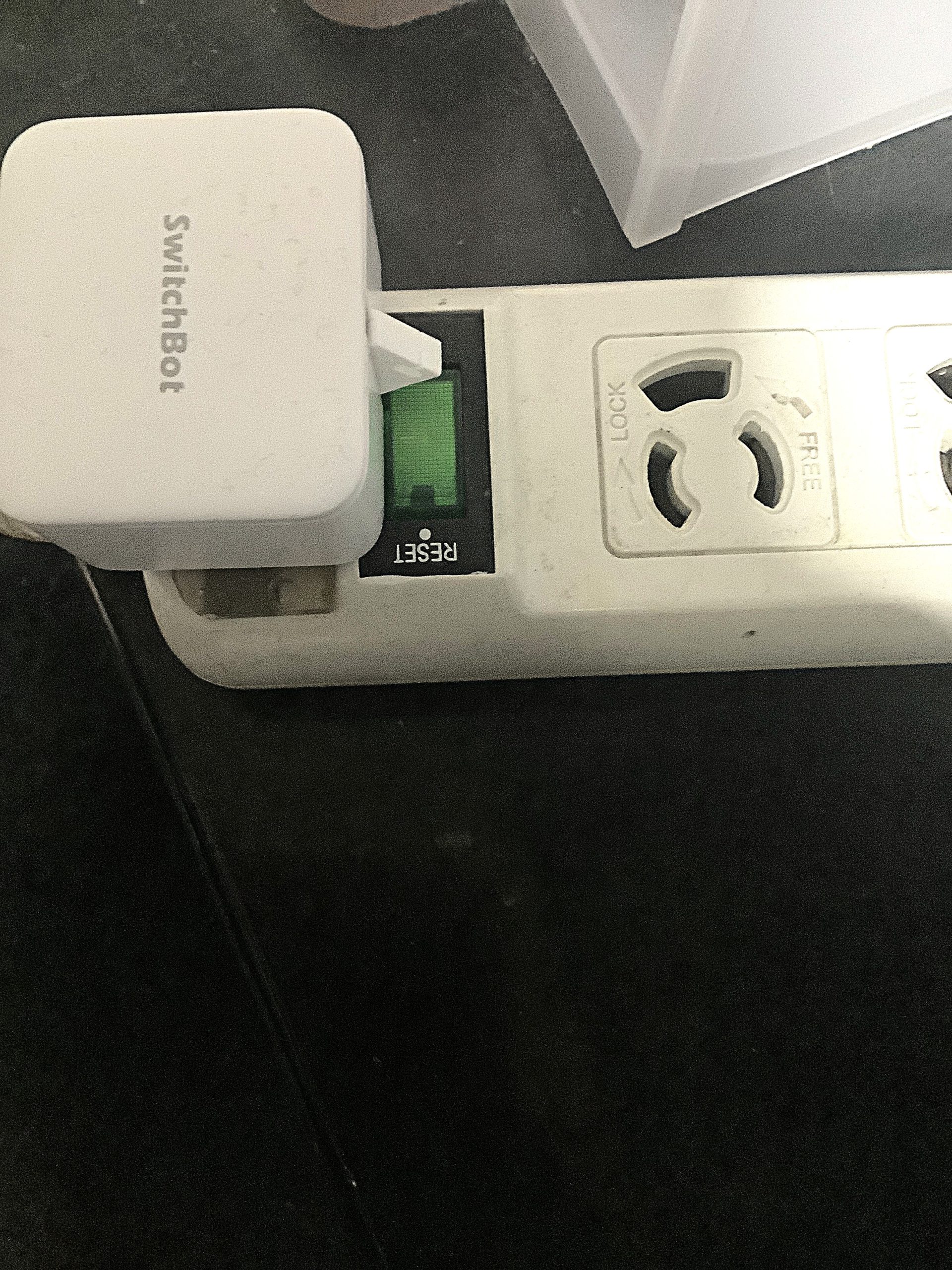
SwitchBot Bot attached to the switch part of the extension cord.
Automation Settings: Emergency Shutdown at 32°C
Once the hardware is installed, the next step is to configure the automation settings in the SwitchBot app. This is the brain of the system. A SwitchBot Hub (Hub Mini, Hub 2, or Hub 3) and a waterproof thermometer/hygrometer are essential for this system.
The setup steps are as follows:
- Open the SwitchBot app and select the ‘Automation’ tab.
- Tap the ‘+’ button to create a new automation.
- Set the ‘Condition’. Here, select ‘Add Condition’ and choose the registered ‘SwitchBot Waterproof Thermo-Hygrometer’.
- From the waterproof thermo-hygrometer options, select ‘Temperature’ and set the condition to ‘Greater than 32°C’. This will trigger the automation when the water temperature exceeds 32°C.
- Next, set the ‘Action’ to be performed. Select ‘Operate Device’ and choose the installed ‘SwitchBot Bot’.
- For the Bot’s operation, select ‘Press’ and set its action mode to ‘Press’. This will cause the Bot to physically press the switch.
- Furthermore, to quickly detect an emergency, add a ‘Push Notification’ action. This will send a push notification to my smartphone when the water temperature exceeds 32°C and the Bot activates.
- Finally, give the automation a clear name (e.g., ‘Heater Emergency Stop’) and save it. You’re done!
With this, when the water temperature reaches 32°C, the SwitchBot Waterproof Thermo-Hygrometer detects it, the SwitchBot Bot physically presses the OFF switch on the extension cord, and the heater’s power is cut off – a series of actions performed automatically. And I receive an immediate notification, allowing me to understand the situation.
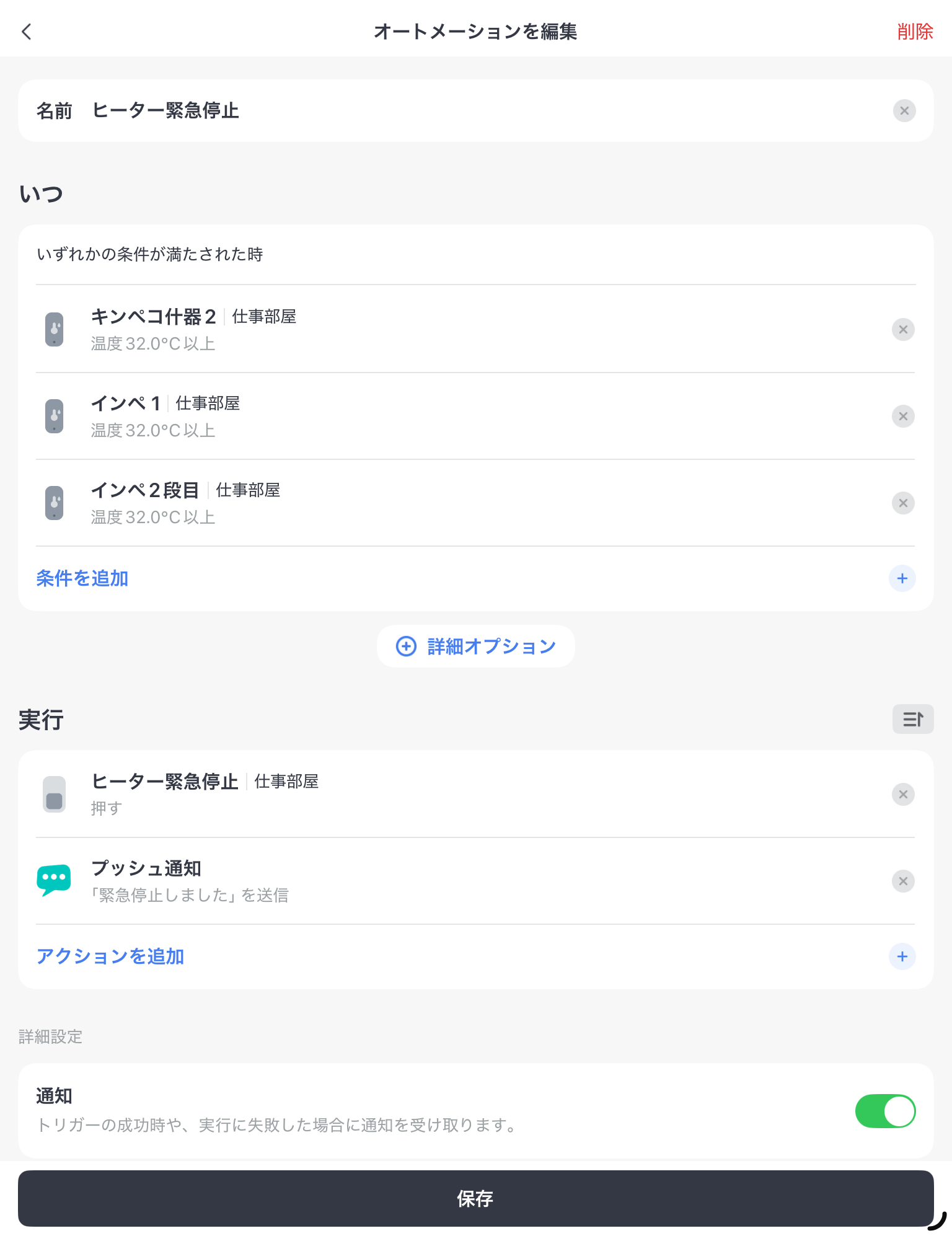
SwitchBot app automation settings. Configured for the Bot to turn off the switch when water temperature reaches 32°C.
Summary of Required Equipment
The equipment required to build this aquarium heater emergency shutdown system is as follows:
- SwitchBot Bot (Finger Robot)
- SwitchBot Hub (Hub Mini, Hub 2, or Hub 3)
- SwitchBot Waterproof Thermo-Hygrometer
- Extension cord with an on/off switch
- Wi-Fi environment
By gathering these pieces of equipment, you can build a reliable system to protect your precious plecos from runaway heaters.
Conclusion
Since implementing this system, my peace of mind regarding aquarium management has significantly improved. Previously, I always had a vague anxiety about heaters malfunctioning while I was out or asleep, but now I have confidence that the SwitchBot Bot will reliably perform an emergency shutdown even if the water temperature reaches a dangerous level.
Fortunately, I haven’t yet encountered a situation where this system had to perform an emergency activation, but having such a safeguard provides great peace of mind. Seeing my plecos swimming actively in a stable water temperature environment makes me truly glad I implemented this system.
I strongly feel that this system using the SwitchBot Bot is a highly effective safety measure for aquarium heaters where smart plugs cannot be used. To protect the lives of your precious plecos, why not consider implementing it?
 Pochipp
Pochipp
Pochipp
Pochipp
Pochipp


コメント